
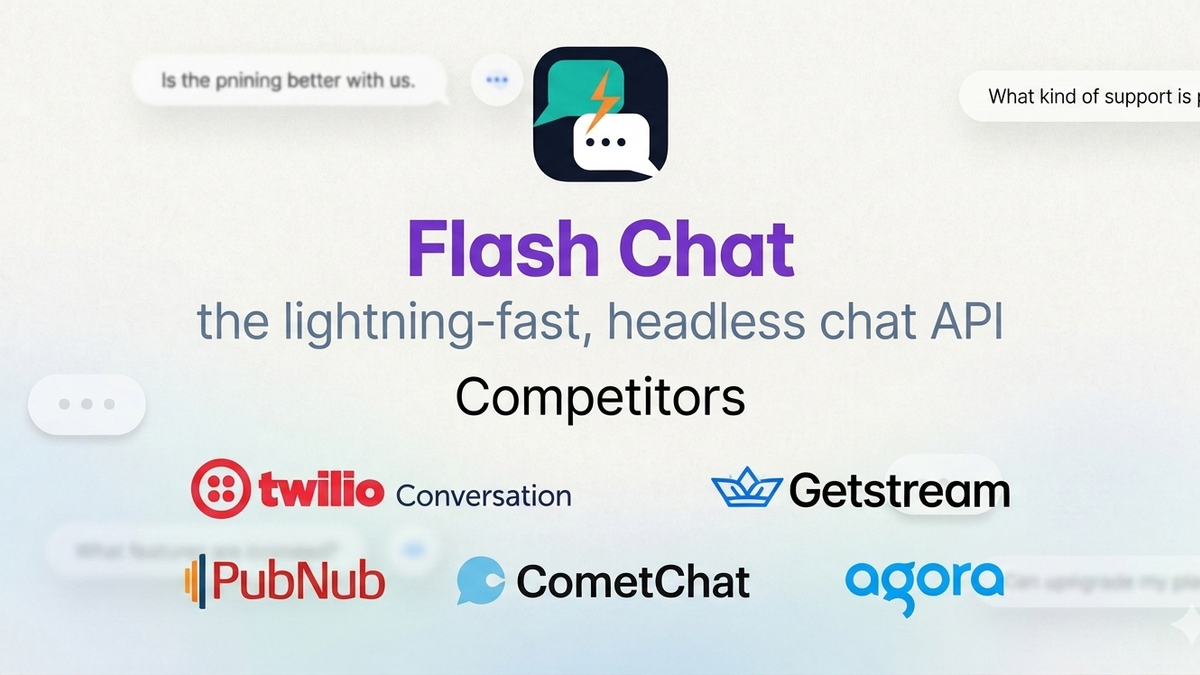
What to look for in a headless chat API
- Integration complexity — How long does it take to go from zero to working chat in your existing codebase?
- Two-party messaging — Does it natively support one-to-one conversations (e.g. driver ↔ passenger, seller ↔ buyer)?
- Pricing model — Per MAU, per message, or flat monthly? Does it scale affordably?
- Flexibility — Can you plug it into an existing user system without a full rebuild?
1. Stream Chat
Stream is one of the most mature headless chat APIs available. It offers rich SDKs for React, React Native, iOS, and Android with solid documentation.
Best for: Greenfield apps with dedicated engineering resources.
Strengths:
- Excellent SDK quality
- Strong UI component library
- Good scalability
Weaknesses:
- Assumes you're building from scratch — integrating into an existing user system requires significant custom work
- Pricing jumps sharply at scale
- Overkill for simple two-party messaging use cases
2. Sendbird
Sendbird is the enterprise choice. It's feature-rich, battle-tested, and used by large platforms globally.
Best for: Large enterprises with big budgets and complex requirements.
Strengths:
- Moderation tools, push notifications, file sharing all built in
- Strong compliance features (HIPAA, GDPR)
- Reliable uptime
Weaknesses:
- Expensive — pricing is a real barrier for startups and mid-size platforms
- Complex setup even for simple use cases
- Heavy SDK adds to app bundle size
3. CometChat
CometChat is a full-stack conversational platform used by teams from early-stage startups to global enterprises. It covers in-app chat, voice, and video — and has expanded into AI agents and omnichannel messaging on top of its core communication infrastructure.
Best for: Teams that want a mature chat SDK with UI kits, voice/video, and optional AI agent capabilities out of the box.
Strengths:
- Polished UI kits for React, React Native, Flutter, iOS, and Android
- Chat, voice, and video in one platform
- Widget builder and SDK options for faster time-to-ship
- Growing AI agent and proactive messaging features
- Moderation, notifications, and multi-tenant infrastructure built in
Weaknesses:
- Pricing follows a typical per-MAU model — can get expensive as you scale
- Best experience comes from adopting their SDK/UI layer, which adds integration work if you already have a custom chat UI
- Feature breadth (chat + calls + AI) can be more than you need for simple two-party messaging
- Less focused on plugging into an existing user system with minimal surface area
4. Twilio Conversations
Twilio takes a flexible, low-level approach. It handles the message delivery layer and leaves the rest to you.
Best for: Teams that want full control and have the engineering bandwidth.
Strengths:
- Highly customizable
- Good for multi-channel (SMS + in-app)
- Pay-as-you-go pricing
Weaknesses:
- Requires significant dev effort to build a proper in-app experience
- No pre-built UI components
- Two-party in-app chat is not its primary use case
5. PubNub
PubNub is a real-time data streaming platform that also supports chat. It's been around for years and is highly reliable.
Best for: Platforms that need real-time data beyond just chat (live scores, IoT, trading).
Strengths:
- Ultra-low latency
- Global infrastructure
- Supports many real-time use cases
Weaknesses:
- Chat is a secondary use case — the API reflects that
- Pricing can be unpredictable at high message volumes
6. Flash Chat
Flash Chat takes a different approach from the rest: it's designed specifically to plug into existing systems rather than replace them.
Best for: Platforms that already have users, auth, and a working product — and just need to add two-party chat.
Strengths:
- Minimal integration effort — connects to your existing user system via API
- Built for two-party workflows out of the box (driver ↔ passenger, seller ↔ buyer, agent ↔ client)
- Simple monthly pricing that doesn't penalize growth
- No need to rebuild your auth or user management layer
Weaknesses:
- Newer to market than Stream, Sendbird, or CometChat
- Fewer pre-built UI components (by design — you own the UI)
Comparison at a glance
| Platform | Integration | Two-party | Startup pricing | UI components | Best for |
|---|---|---|---|---|---|
| Stream | Medium | Yes | Medium | Yes | |
| Sendbird | Hard | Yes | Expensive | Yes | |
| CometChat | Medium | Yes | Medium–High | Yes | |
| Twilio | Hard | Yes | Variable | No | |
| PubNub | Medium | Yes | Variable | No | |
| Flash Chat | Easy | Yes (native) | Affordable | Minimal |
Stream
- Integration
- Medium
- Two-party
- Yes
- Startup pricing
- Medium
- UI components
- Yes
- Best for
Sendbird
- Integration
- Hard
- Two-party
- Yes
- Startup pricing
- Expensive
- UI components
- Yes
- Best for
CometChat
- Integration
- Medium
- Two-party
- Yes
- Startup pricing
- Medium–High
- UI components
- Yes
- Best for
Twilio
- Integration
- Hard
- Two-party
- Yes
- Startup pricing
- Variable
- UI components
- No
- Best for
PubNub
- Integration
- Medium
- Two-party
- Yes
- Startup pricing
- Variable
- UI components
- No
- Best for
Flash Chat
- Integration
- Easy
- Two-party
- Yes (native)
- Startup pricing
- Affordable
- UI components
- Minimal
- Best for
Which one should you choose?
- Building from scratch with a big team? → Stream, Sendbird, or CometChat
- Want chat + voice/video + UI kits in one package? → CometChat
- Need multi-channel (SMS + in-app)? → Twilio
- Already have a platform and just need chat? → Flash Chat
- Real-time data beyond chat? → PubNub
The right answer depends entirely on where you are in your product journey. If you've already built something and adding chat feels like bolting on a spaceship, look for tools designed specifically for integration — not tools that expect you to start over.
Want to see how Flash Chat integrates with an existing system? Check out the integration guide.
Link integration guide to your docs URL (e.g. http://flashchat-docs.direxme.com) and enable Open in new tab if it is external.

Team Flash Chat
Product & Engineering
Flash Chat is a headless chat API built for platforms that already have users, auth, and workflows — and need two-party messaging without rebuilding from scratch.